3D print farm software · Bambu & Klipper
Run every printer you own from one screen.
Rackrew sends each job to a printer that is free. It works with Bambu and Klipper printers, and takes about ten minutes to set up.
No card needed.
Your fleet, once connected
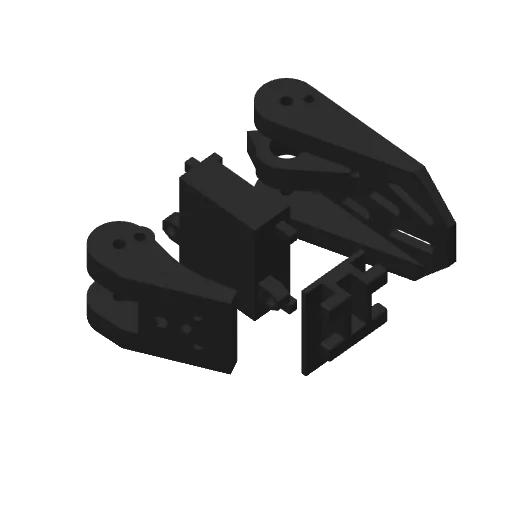
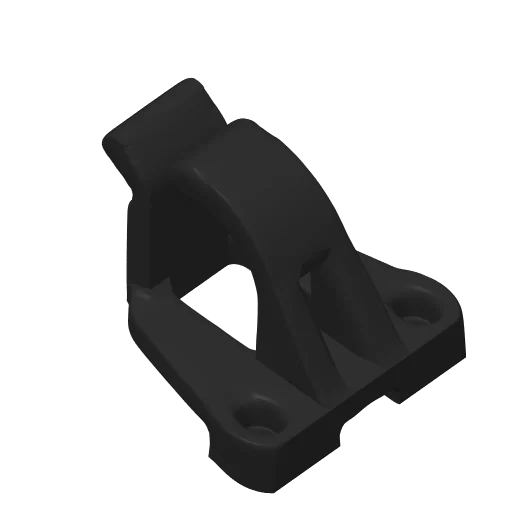

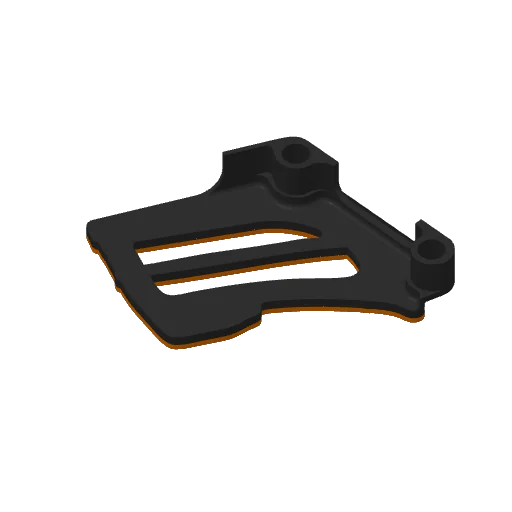
Works with the printers you already run







Bambu printers connect over LAN-only and Developer Mode. Every other brand works when it runs Klipper with Moonraker, listed or not. No affiliation with the brands shown. Check your printer
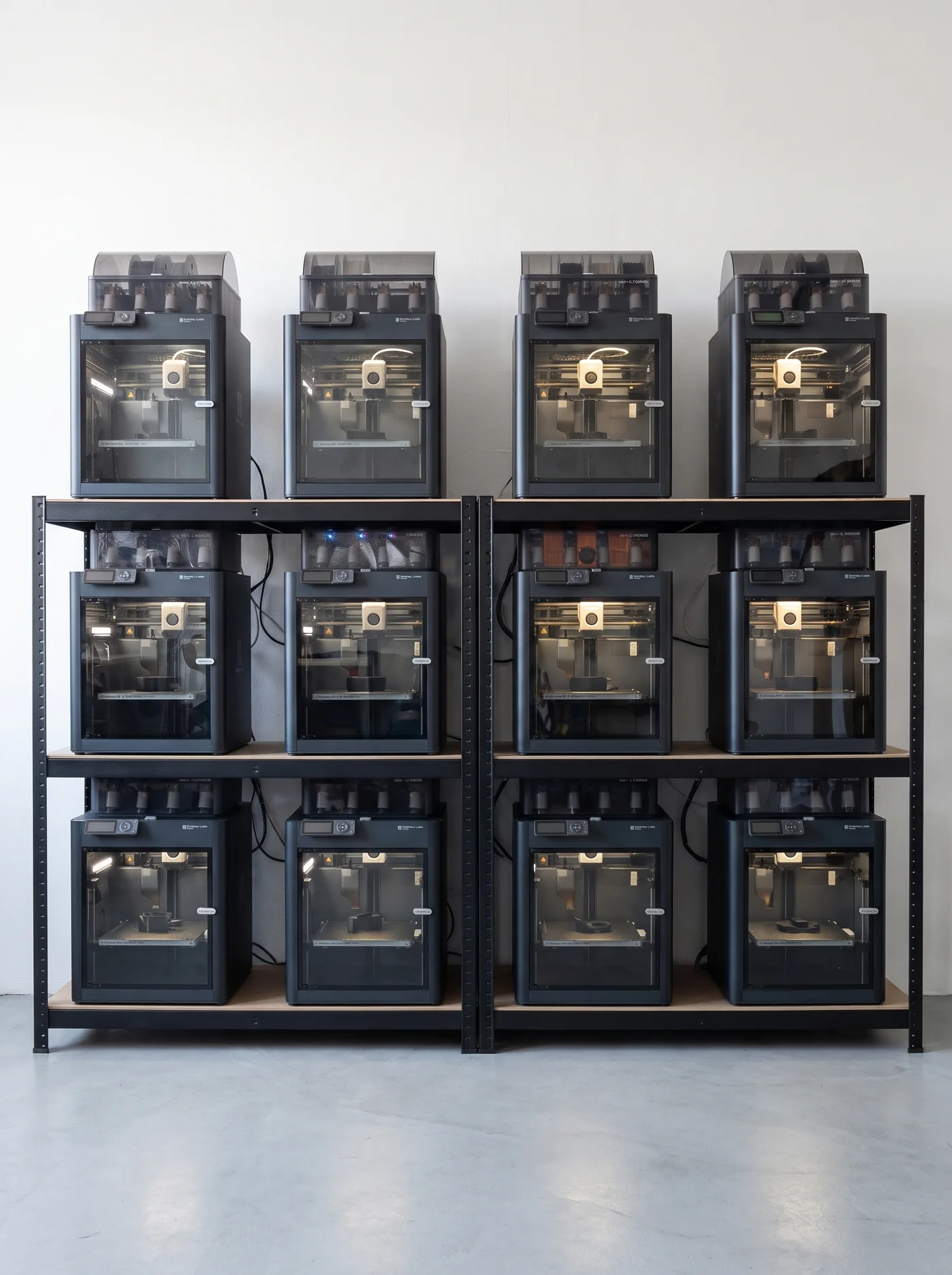
A print queue that picks the printer
Upload a file and say how many you need. Rackrew finds a printer that can run it, checks the spool and starts the print. It only asks for you when a machine needs hands.
It sends each job to a free printer
Every time a printer goes idle, Rackrew looks for the next job it can run. When nothing can start, the queue tells you why, printer by printer.
printingbed not clearedneeds a 0.6 mm nozzle
It checks the spool first
Rackrew compares the grams a job needs with what is left on the spool. A print that would run out does not start on that printer.
not enough PETG on slot 1
Prints keep running if your internet drops
A small bridge on your network talks to the printers directly. Updates reach the dashboard late. Prints do not stop.
It slices your models, on paid plans
Upload an STL or a 3MF model. Rackrew plates and slices it on our servers with your own Bambu Studio, OrcaSlicer or Anycubic presets, then queues the plates.
Every printer, and the part on its bed
- 1The whole farm in one line, so you know before you scroll.
- 2What stopped, and the one button that clears it.
- 3The slicer’s picture of each job, solid up to the current layer.
The real screen, captured from the app: a demo farm printing our own Revsticks parts.

Free for two printers, forever
You pay for how many printers you connect. Paid plans also slice your models on our servers. Everything else is in every plan.
Saving 20% against monthly
Free
The whole product, on two machines.
CHF 0
forever
- 2 connected printers
- 500 MB of print files
- 1 API key · 1 webhook
Farm
For a shelf that turned into a farm.
CHF 11/ mo
billed CHF 132 yearly
- 5 connected printers, then CHF 3 each
- Server slicing included
- 5 GB of print files
Workshop
For a room that runs unattended.
CHF 19/ mo
billed CHF 228 yearly
- 10 connected printers, then CHF 2 each
- Server slicing included
- 25 GB of print files
- How long does setup take?
- About ten minutes. Sign in, run one Docker command on a spare Linux computer or Raspberry Pi on your network, then add your printers.
- Does something have to stay running at home?
- Yes, a bridge: our free agent, on a Linux computer or Raspberry Pi you already own. A ready-made Rackrew Hub is still being built.
- What do Bambu printers need?
- LAN-only mode and Developer Mode, switched on at each printer. The Bambu cloud is not involved. Bambu does not support that mode and could change it, so we say so here rather than after you sign up.
- Where do my printer passwords live?
- Encrypted on our servers. They are only ever sent to your bridge, which needs them to reach the printer, and they are never shown in a browser.
- Can I really use it for free?
- Yes. Two printers, no card, no time limit. You pay when you connect a third printer, or when you want Rackrew to slice your models on our servers.
Connect your first two printers free
- No card needed
- No time limit
- About ten minutes to set up